Що відбувається, коли ви натискаєте "Створити"
ШІ аналізує профілі всіх учасників, створює тижневий план страв на основі реальних даних USDA про поживність, перевіряє кожний рецепт на калорії та алергени і переробляє все, що не відповідає вимогам. Без вигаданих чисел, без помилок з алергенами.
- Реальні дані про харчування від USDA
- Кожен прийом їжі перевіряється до того, як ви його бачите.
- Погані рецепти переписуються, а не відправляються
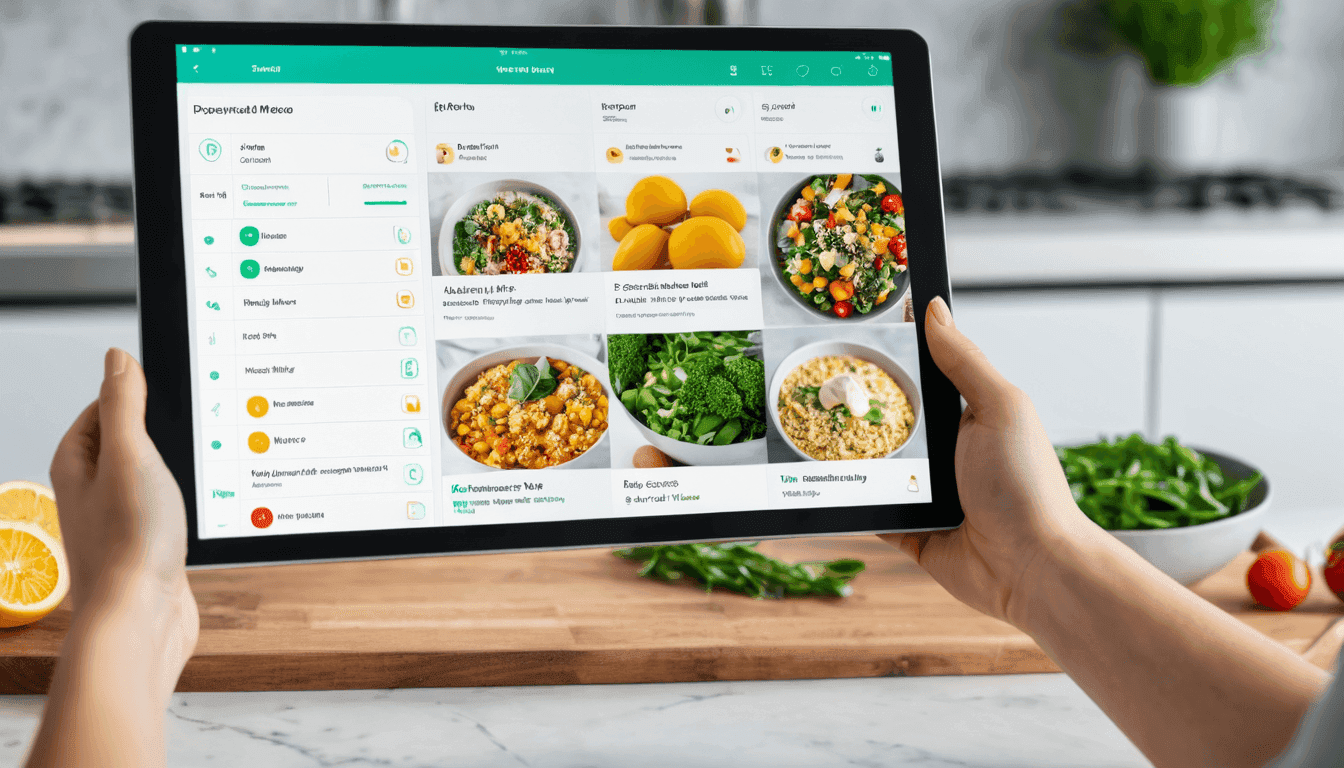
Коли ви натискаєте "Згенерувати", ШІ аналізує профіль кожної людини та створює тиждень страв по одному дню за раз. Кожен рецепт ґрунтується на реальних даних USDA. Кожен прийом їжі перевіряється на калорії, макроелементи, алергени, відповідність дієті та мову; все, що не відповідає вимогам, переписується до п'яти разів.
Коли штучний інтелект складає моє меню, я хочу бути впевненим, що він не вигадав калорії, врахував усі зазначені алергії та виправив власні помилки, перш ніж надати мені план.
Що ШІ використовує для створення вашого плану
Все, що ви налаштували на перших трьох кроках. Нічого зайвого, нічого не бракує.
- Люди в плані — їхній вік, зріст, вага та рівень активності з Кроку 1.
- Профіль харчування кожної людини — цільова калорійність, макроелементи, улюблена дієта, медичні стани, алергії, вітаміни та будь-які індивідуальні зауваження з кроку 2.
- Ваші налаштування плану — тривалість, режим страв, складність приготування, бюджет, кухня та текстові інструкції з кроку 3.
- База даних харчування USDA — та сама публічна база даних продуктів харчування, яку використовують дієтологи, тому кожна калорія та макроелемент походить з реальних вимірювань.
Крок за кроком, що насправді робить ШІ
Короткий діалог прогресу показує кожен крок, коли він відбувається.
- 01
Читає налаштування вашого плану
Тривалість, мова та те, чи люди ділять страви або їдять окремо.
- 02
Групує учасників за тим, як вони їдять разом
Хто ділиться рецептом, а хто отримує свій власний. На основі вашого вибору режиму страв.
- 03
Завантажує профіль харчування кожної людини
Кількість калорій, макроелементи, улюблена дієта, алергії, медичні нотатки — все, що потрібно знати ШІ.
- 04
Відкриває порожній план, який ви можете спостерігати, як він заповнюється
Сторінка плану з'являється одразу з заповнювачами, тож ви бачите прогрес, а не індикатор завантаження.
- 05
Записує страви день за днем
Сніданок, обід, вечеря, перекуси — кожен день окремо. Спільні страви отримують розумні порції, щоб усі залишалися на цілі.
- 06
Перевіряє кожну страву перед тим, як її затвердити
Калорії, макроелементи, алергії, відповідність дієті, мова. Все, що відсутнє, автоматично переписується.
- 07
Зберігає готовий план
Ви перенаправлені до вашого нового плану харчування, з одним списком покупок для всього домогосподарства.
Перевірка, яку кожне блюдо має пройти
Раніше, ніж рецепт потрапить до вашого плану, ШІ перевіряє його відповідно до вашого профілю. Якщо будь-яка перевірка не проходить, страву переписують — до п'яти спроб на страву.
Що відбувається, коли страва не відповідає вимогам
ШІ переписує його та намагається знову, до п'яти разів на кожний прийом їжі. Якщо жоден варіант не підходить, запуск зупиняється, і ви отримуєте повідомлення — замість того, щоб отримати поганий план.
Спільні страви, розумні порції
Коли дві або більше людей їдять одну й ту саму страву, вони не обов'язково отримують однакову кількість. ШІ коригує порції для кожної людини, щоб кожен залишався в межах власних калорійних і макронутрієнтних цілей.
Приклад — одна омлет, дві тарілки. Джон дотримується високобілкової дієти, а Сара — збалансованої. Джон отримує 4 яйця та більшу порцію сиру, а Сара — 2 яйця та меншу порцію. Одна сковорода, один рецепт, різні тарілки — кожен у межах власних цілей.
Один план, один список покупок, навіть з різними стравами
Навіть якщо п'ятеро людей у плані їдять п'ять різних страв, список покупок об'єднує всі інгредієнти в один список для домогосподарства. Один тижневий календар, одна поїздка до магазину, і ви можете згенерувати заново окремий день або окрему страву, якщо щось не підходить.
Як виглядає згенерований план у додатку
The card updates live while the AI runs, then locks to a versioned record once every check passes.
Mediterranean Family Plan
Mediterranean Family Plan
The screen you'll see right before AI runs
Locked summary + chef notes + a single Generate button. No surprises.
Ready to build the plan
The AI will use the configuration you locked in and write a full week of recipes, portions, and a shopping list.
You can re-run, edit, or roll back any version after the AI finishes. Your data is never used to train models.
Питання, які люди задають
Короткі відповіді.
Чи може ШІ визначати калорійність?
Ні. Макроси беруться з публічної бази даних продуктів харчування USDA, і кожна страва перевіряється на відповідність вашому калорійному цільовому показнику перед тим, як її буде затверджено. Якщо рецепт виходить за межі норми, його переписують. Якщо всі п'ять спроб виявляються невдалими, процес зупиняється, щоб не надавати вам поганий план.
Скільки часу триває генерація?
Типовий 7-денний план для двох людей створюється приблизно за 40–90 секунд. Ви бачите живий прогрес весь час, а не обертове коло завантаження.
Чи враховуватимуться мої алергії та медичні нотатки?
Так. Алергії та обмеження розглядаються як жорсткі правила. Будь-який рецепт, що містить інгредієнт з вашого списку, відхиляється і переписується. Медичні нотатки (діабет, гіпертонія, PCOS, IBS) направляють ШІ подалі від тригерних інгредієнтів.
Які дані залишають мою обліковий запис?
Тільки те, що потрібно ШІ для створення страв: ваші цілі калорійності, макроелементи, позначки дієти, медичні нотатки та алергії. Нічого ідентифікуючого, крім імені. Ваші дані облікового запису залишаються в вашому обліковому записі.
Чи можу я регенерувати лише один день або одну страву?
Так. Ви можете регенерувати один день, одне харчування або весь план. Попередні версії зберігаються, тож ви можете повернутися до попередньої версії, якщо вона була кращою.
- Reviewed by
- Команда платформи штучного інтелекту та харчування Melio Nutrition
- Останнє оновлення