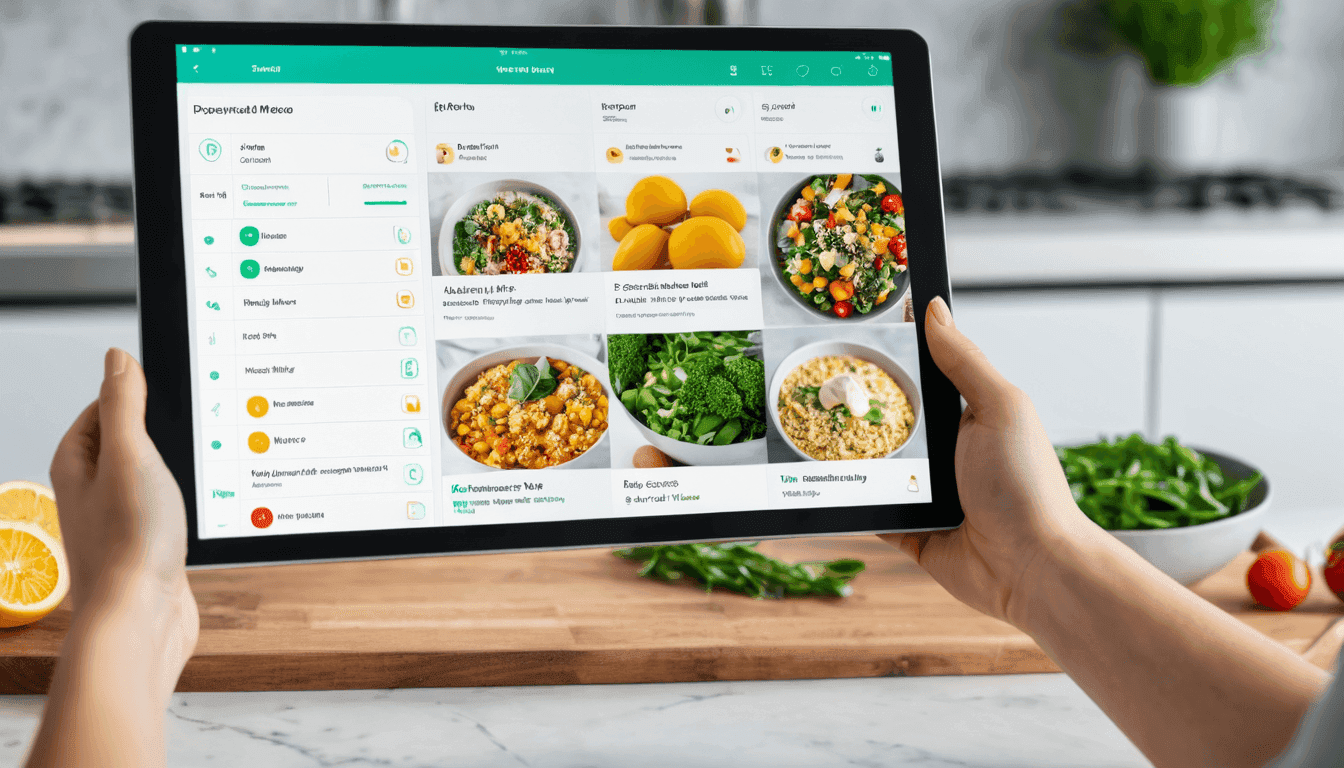
A participant is a reusable person profile stored in your account. It holds the biometric data (age, height, weight, activity level) the AI needs to calculate accurate calorie and macronutrient targets. Add each person once and pick them in any future meal plan — no duplication, no rewriting.
When I plan meals for my household, I want to set up each person one time, so I never re-enter ages, weights, and activity levels every time I cook for them.
What the AI sees for every participant
Structured biometric fields feed directly into the Mifflin-St Jeor equation, which is used on the next step to compute daily calorie and macro targets.
How the participant library works
1. Create a person once
Open the Add Person form, fill biometric data, save. The entry lives in your library and is available in every future plan.
2. Pick them per plan
In the wizard Step 1 you tick the checkboxes of the people this plan is for — solo, couple, whole family, or roommates.
3. Reuse in future plans
Next time you create a plan, the same library appears. No typing, no duplication. Update a person once and every future plan reflects the change.
4. Safe delete with usage check
If a person is used in an active plan, the API blocks deletion and tells you which plans reference them — you never lose data silently.
How a person looks in your library
Each participant becomes a reusable card with linked nutrition profile, BMI, and the meal plans they appear in.
Designed for real households
The participant library scales from one person to complex multi-person setups.
Solo planner
One participant, one profile. Fast setup, still benefits from USDA-grounded macros and tier-aware plan limits.
Couples
Two people sharing a fridge. SHARED dish mode generates one recipe with scaled portions — his 650 kcal, hers 420 kcal from the same pan.
Family with kids
Different ages, different calorie ranges. INDIVIDUAL mode gives each member their own dishes; HYBRID mode mixes (parents share, kids get their own).
Roommates & groups
Multiple independent diets under one roof. The generated plan yields one shopping list that aggregates every ingredient across all plates.
The form you'll fill in
Same fields, same layout — pre-filled here so you can see what to expect.
Add a person
Reusable profiles. Use them across multiple meal plans.
years
cm
kg
Questions people ask
The short answers.
How many participants can I add?
There is no hard cap on the library. A single meal plan typically uses 1–10 participants; tier limits apply to the plan, not the library.
What happens if I delete a person who’s in an active plan?
The API blocks the deletion with a 409 Conflict and returns the list of plans that still reference them. Remove them from those plans first, then delete.
Are units metric only?
Yes. Height is stored in centimetres and weight in kilograms. Conversions for imperial users happen client-side before the value is sent.
Where do medical conditions and allergies go?
Not on the participant itself — they live on the Nutrition Profile (Step 2). One participant can have multiple profiles over time.
Who can see participant data?
Only you. Every query is scoped to your user ID via JWT, and participants are never shared across accounts.
- Reviewed by
- Melio Nutrition & AI Platform Team
- Last updated